Security First
Your email is the easiest way for cyber-criminals to gain access, scam you and take over your online accounts.
Only people you approve reach your Inbox. Everyone else goes to Trash. No account password to steal.
Try OptMsg free for 14 days, no credit card required · See plans and pricing
Get your new @optmsg.com address to use the patent-pending technology. Keep your current email while you move over.
$49.99 a year ($4.17 a month), or $5.99 month to month.
It’s as easy as 1, 2, 3: Sign up and choose your @optmsg.com address. Sync your trusted contacts. Forward your existing email to your new account.
You sign in with a passkey: the same face, fingerprint or PIN you use to unlock your phone or computer.
We’ve all seen emails like this. “Your bank” warns it will freeze your account, and it sounds incredibly convincing. You click, type your password, and by lunch your savings are gone. AI is making these emails more common and harder to tell from the real thing. Phishing was the most-reported internet crime in the FBI’s 2025 report.
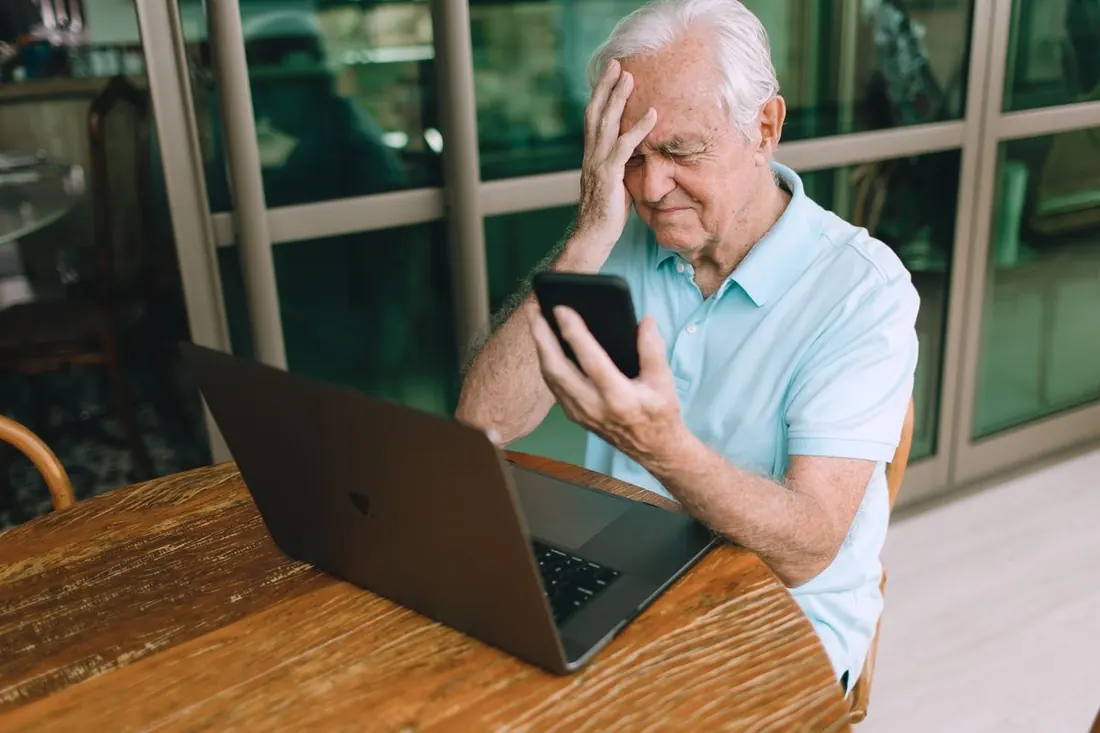
Your inbox is the key to your other accounts.
Almost every online account starts with an email and a password. Reuse that password, and one leak puts your other accounts in jeopardy. Most password resets and sign-in codes go to your email, so getting into your inbox opens the rest.
No account password to steal.
How OptMsg helps keep you safer
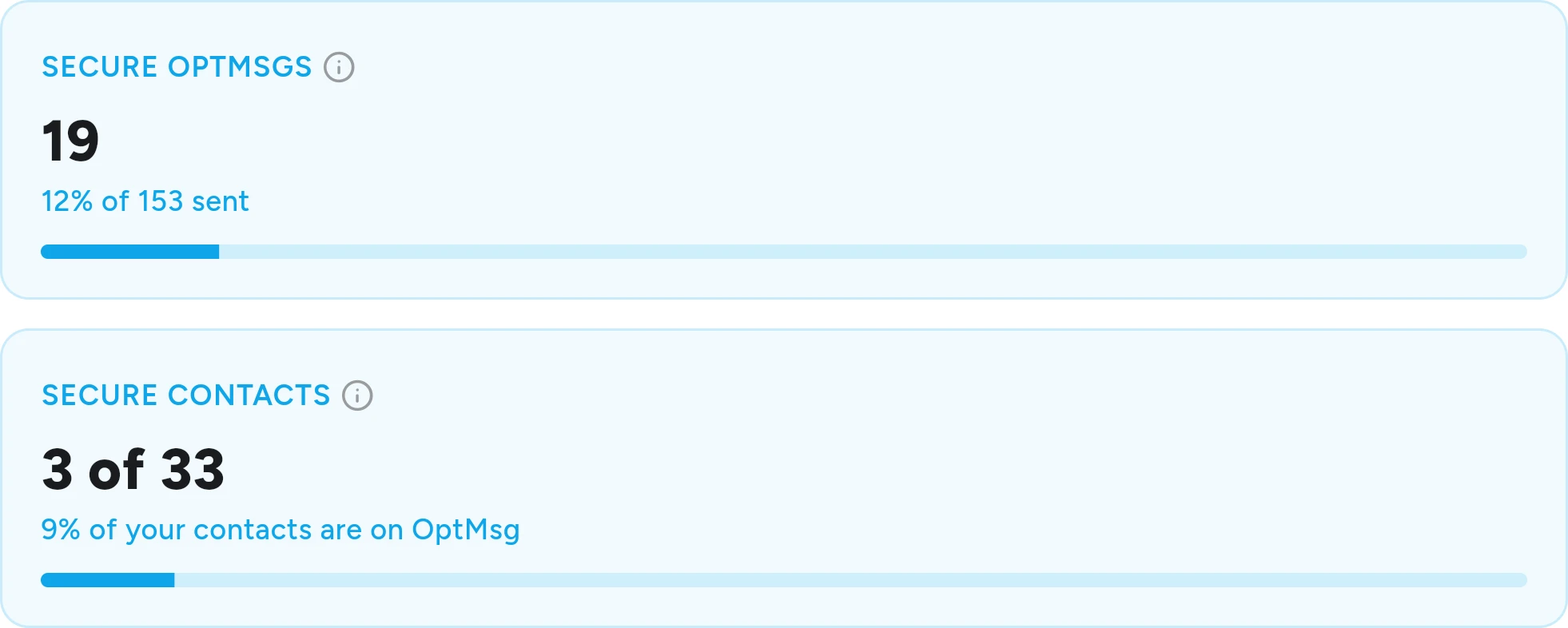
Scorecard from an example account, last 30 days. Your numbers will vary.
Screened for scams and threats
OptMsg helps protect you from scammers and cyber threats by screening for spam, phishing and malicious content. No email service prevents every scam, so if a message surprises you, even from someone you know, be careful with its links and attachments.
No account password to steal
Your account has no password, so one leaked from another site can’t open it. You sign in with a passkey: the same face, fingerprint or PIN you use to unlock your phone or computer.
Encrypted in transit and at rest
Your email is encrypted in transit and at rest, and we accept mail from other providers only over an encrypted connection.
Hidden trackers blocked
OptMsg blocks the hidden trackers that spy on what you open, read and click.
Ready for a safer inbox?
Try OptMsg free for 14 days, no credit card required.
OptMsg to OptMsg is the most secure way to email.
Messages between OptMsg users stay within our systems, encrypted at rest and in transit. Traditional email travels over several third-party servers before it arrives, encrypted only on a best-effort basis.
Sent on OptMsg. Stays on OptMsg.
What happens to a scam email in OptMsg
- ✓From a stranger? It goes to Trash, not your Inbox.
- ✓Pretending to be someone you know? OptMsg goes by the real sender address, not the name shown, so a fake name won’t get it into your Inbox.
- ✓Hiding text or a tracking link? OptMsg blocks the hidden text and cleans the link.
Unsubscribe is broken.
It only works for trusted companies that follow CAN-SPAM laws. Cyber criminals know you’ve been trained to click unsubscribe on junk email, and that click tells them someone is watching that inbox.
Don’t unsubscribe. Let it go to Trash.
Side by side
Questions people ask
How do I get started?
It’s as easy as 1, 2, 3: Sign up and choose your @optmsg.com address. Sync your trusted contacts. Forward your existing email to your new account.
What happens to email from a sender I haven’t approved?
It goes to Trash instead of your Inbox. So if you weren’t expecting it, don’t click its links or reply with personal information.
What if a scammer impersonates someone in my contacts?
OptMsg goes by the actual sender address, not the name shown. Mail using your contact’s name from a different address goes to Trash.
Why no password?
Your account has no password, so one leaked from another site can’t open it. You sign in with a passkey: faster, safer, easier.
What are the limits?
No email service prevents every scam. OptMsg helps protect you from scammers and cyber threats, and our Terms explain plainly how its filters work.
What if someone new emails me? My doctor, my kid’s school?
Their first email goes to Trash, where you can see it. Approve them right from Trash, and their mail lands in your Inbox from then on. Expecting someone new? Check Trash first.
Close the door on strangers.
See plans and pricing · Just want to look first? Try OptMsg free for 14 days
It’s as easy as 1, 2, 3: Sign up and choose your @optmsg.com address. Sync your trusted contacts. Forward your existing email to your new account.
You sign in with a passkey: the same face, fingerprint or PIN you use to unlock your phone or computer.