Phishing emails slip into inboxes every day, fooling even the most careful users. Knowing how to spot phishing emails can save you from scams that steal your personal data or hijack your identity. This guide reveals 12 clear phishing red flags and shows how OptMsg’s opt-in email system keeps your inbox safe and spam-free. Take control of your email before the next scam lands in your inbox. Learn more about phishing and how to protect yourself from scams by visiting this guide.
Spotting Phishing Emails
Understanding phishing emails is your first step to staying safe online. These red flags and quick checks will help you spot and avoid them.
Common Phishing Red Flags
Phishing emails often look like genuine messages but contain tell-tale signs. Watch for urgent requests that pressure you to act fast. Scammers often use phrases like “your account will be closed” to scare you. Also, check the sender’s email address. If it seems off, it probably is. Hover over links before clicking: if the URL looks strange, steer clear. Inconsistent formatting or poor grammar can also be clues. Most real companies won’t make such mistakes.
Quick Checks for Suspicious Messages
When you receive a suspicious email, take a moment to verify its authenticity. Start by examining the email domain. Legitimate companies usually own their domains. Next, consider the tone of the message. Official emails are often formal and to the point. If the email asks for personal information, it’s likely a scam. No credible company will ask for your password or social security number via email. You can learn more about recognizing phishing attempts by visiting this resource.
Phishing Detection Checklist
Use this checklist to evaluate suspect emails:
-
Check the sender’s email address for unfamiliar domains.
-
Hover over links to see the actual URL.
-
Look for grammatical errors or awkward phrasing.
-
Question urgency or fear tactics.
-
Verify the sender by contacting the organization directly, using official contact details.
This checklist can be your go-to guide for keeping your inbox secure.
Protecting Your Inbox
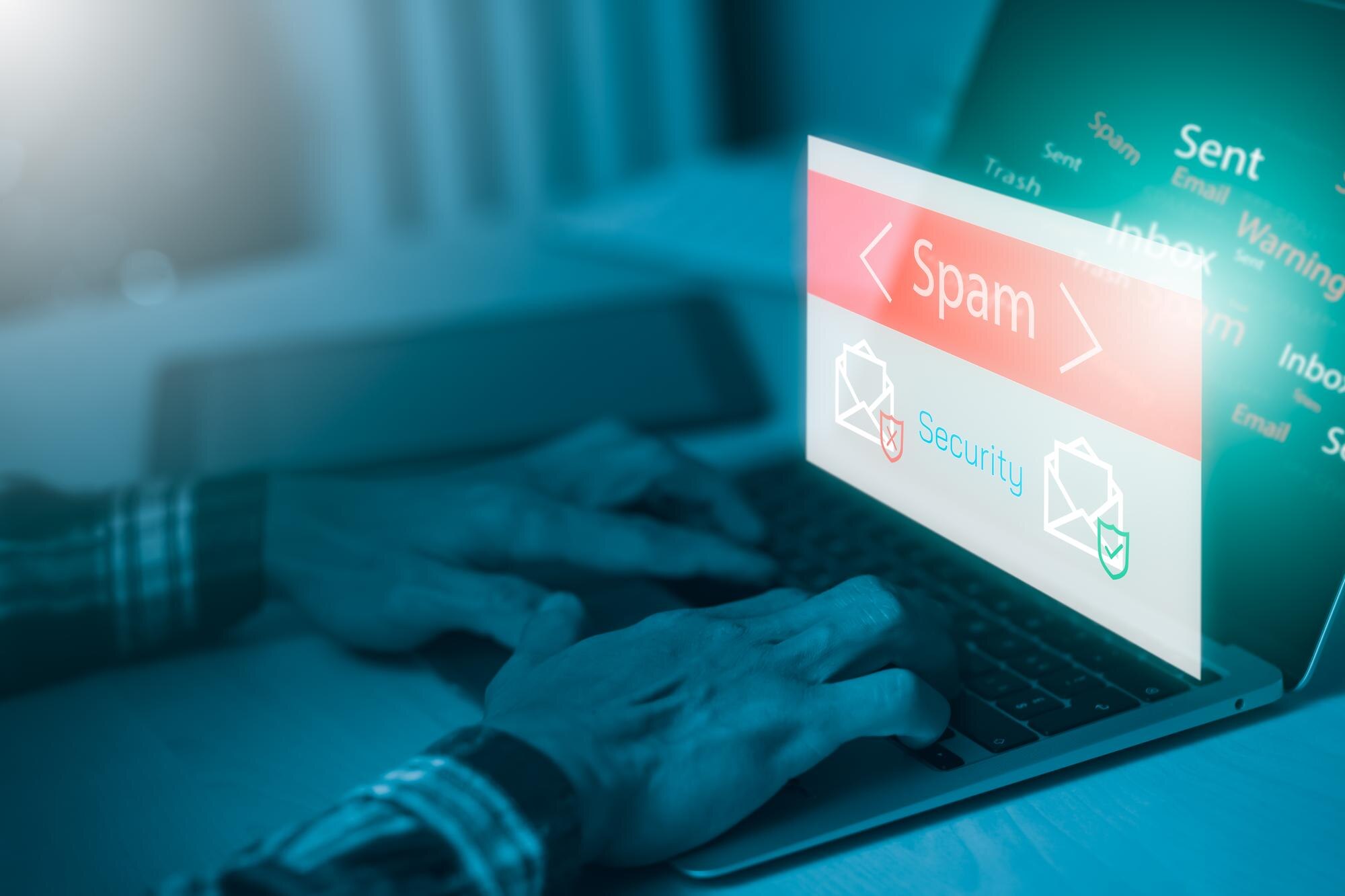
Taking proactive steps to secure your inbox can save you a lot of trouble. Explore strategies to prevent phishing and protect your identity.
Steps to Prevent Phishing
Preventing phishing starts with awareness. Educate yourself and your family about common scams. Keep your software updated to block malicious attacks. Use email filters to divert spam into a separate folder. Regularly review your spam folder: you might spot patterns that reveal a phishing attempt. For more ways to protect yourself, see this article.
Identity Theft Prevention Tips
Identity theft can have long-lasting effects. Use strong, unique passwords across different accounts. Enable two-factor authentication wherever possible for an extra layer of security. Monitor your financial statements regularly for unusual activity. Take immediate action if you notice any unauthorized transactions. By following these tips, you minimize the risk of identity theft.
Email Security Tips for Families
Email security is crucial for everyone, especially kids and older adults. Teach them to be cautious with unknown senders. Encourage them not to share personal information online. Parents can set up parental controls to monitor activity. Regularly discuss the dangers of phishing and encourage open communication about any suspicious emails.
OptMsg: A Safer Email Solution
OptMsg’s opt-in model offers a new level of email security, keeping your inbox clear of phishing attempts and spam.
Benefits of Opt-In Email
Opt-in email gives you control over who can reach you. Only approved contacts can send you messages, reducing spam and scams. This system is simple to use, unlike other complex security solutions. You’ll enjoy a cleaner, more focused inbox without unwanted distractions.
Privacy-First Email Features
OptMsg prioritizes your privacy. It doesn’t sell your data or display ads, giving you a clutter-free experience. The service automatically blocks unknown senders, so you spend less time worrying about scams. With OptMsg, your information stays between you and your trusted contacts.
Secure Email Service Overview
OptMsg offers a secure, user-friendly email service. It includes advanced security features like passwordless sign-in, making your account even safer. The focus is on privacy and control, ensuring your data remains protected. OptMsg is a leading choice for anyone tired of spam and phishing threats, providing peace of mind and a more enjoyable email experience.
To dive deeper into phishing protection, explore Stop Phishing Emails for Good: Your Inbox, Your Rules and What Is Phishing? A Simple Guide to Spot, Block, and Stay Safe.