
You just spent an afternoon deleting thousands of emails, only to wake up to a flooded inbox the next day. Email cleanup tools can clear clutter, but they often miss the deeper problem: who’s allowed to reach you. What if you could stop the cycle and control your inbox for good? This guide breaks down common tools and introduces a smarter way to reduce inbox clutter with opt-in email control. For more insights, check out this article on email cleanup tools.
Comparing Email Cleanup Tools
Finding the right tool to manage your overflowing inbox can be a daunting task. Many claim to solve your email woes, but do they really work as promised?
Popular Tools and Their Limits
Numerous tools promise a tidy inbox, yet most fall short by only addressing part of the problem. For instance, Clean.email, touted as one of the best email cleaner apps, organizes emails by categories, allowing bulk deletion. Yet, it doesn’t stop unwanted senders from reaching you in the first place. This limitation often results in a temporary fix rather than a long-term solution. With tools like these, it’s a constant game of catch-up. You might clear thousands of emails today, only to face the same clutter a week later.
Reducing Inbox Clutter Effectively
To truly tackle inbox clutter, understanding the root of the problem is key. Most cleanup tools focus on deleting emails you’ve already received. While useful, this approach doesn’t prevent new clutter from coming in. Instead, consider focusing on who can send you emails. By controlling access, you prevent most spam and unwanted messages from reaching your inbox in the first place. Many users find that this proactive approach significantly reduces daily email management time.
Unsubscribe vs Block: What Works?
Unsubscribing from unwanted emails seems like a straightforward solution. However, it’s often ineffective as some senders ignore these requests. Blocking, on the other hand, stops specific senders from contacting you. But, this can become a tiresome task, especially if new spam sources emerge constantly. Instead, shifting to an opt-in approach—where senders you approve reach your Inbox and the rest go to Trash—can offer a more sustainable solution.
The Shift to Opt-in Email Control
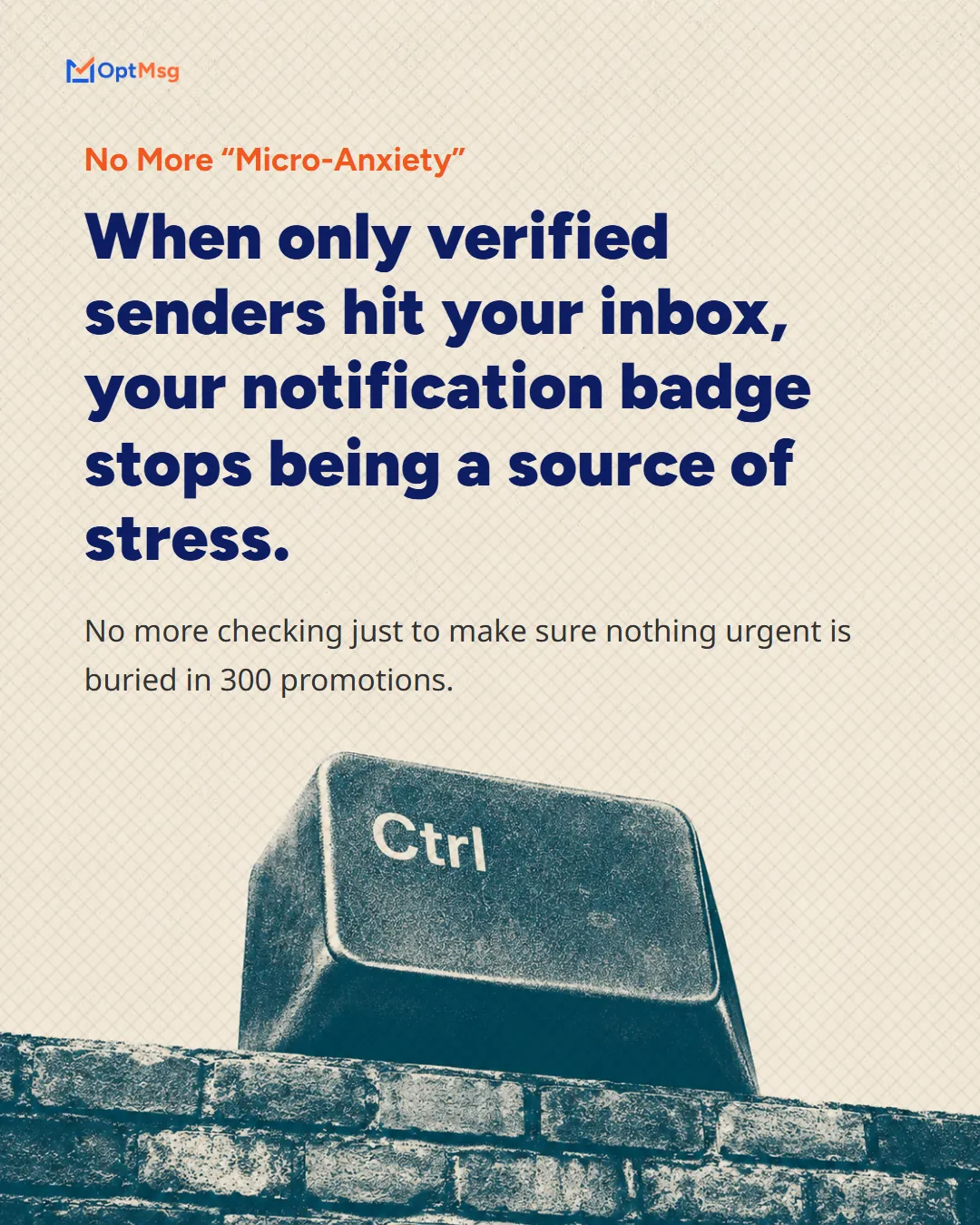
After exploring the limits of cleanup tools, it’s time to consider a new strategy: opt-in email control. This method emphasizes user choice and protection.
Why Choose OptMsg?
OptMsg offers a unique approach by allowing only approved senders to reach your inbox. Imagine the relief of seeing only emails that matter, without sifting through spam. This service prioritizes your privacy by not selling your data, unlike many “free” providers. In a world where your personal information is a commodity, OptMsg stands out by putting you first.
OptMsg vs Gmail and ProtonMail Alternatives
How does OptMsg stack up against competitors? Services like Gmail and ProtonMail offer various privacy features, yet they still allow unsolicited emails. OptMsg takes a different approach: only people you approve reach your Inbox, and everyone else goes to Trash. That is control over who gets through, rather than better sorting after the fact.
Embracing Privacy-Focused Email Services
Choosing privacy-focused services means valuing your personal data. With OptMsg, you align with a service that prioritizes security without the hassle of remembering passwords. This transition not only enhances your email experience but also fortifies your digital presence against unwanted intrusions.
Achieving a Calm Inbox
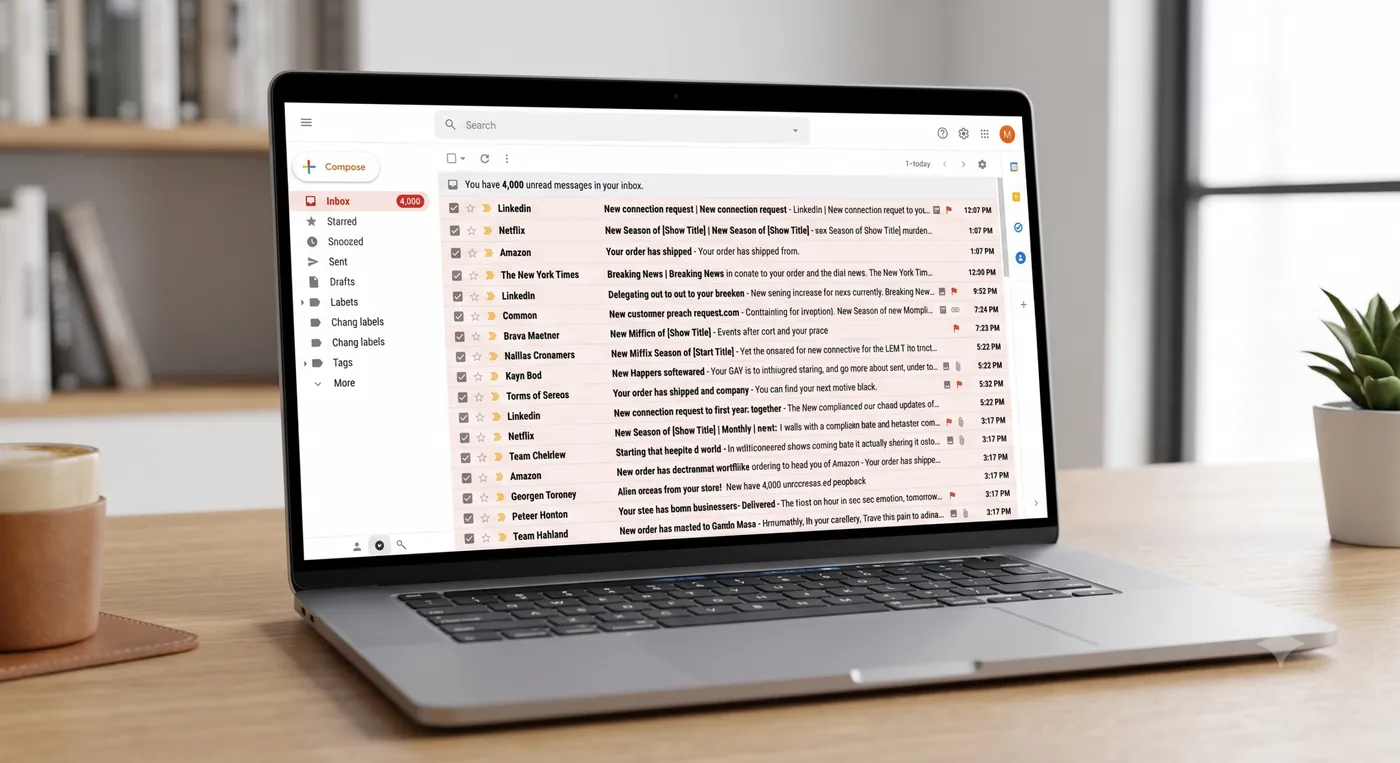
With the right approach, achieving a peaceful inbox is within reach. Here’s how you can take control.
Best Way to Organize Email
Organizing email effectively starts with setting clear priorities. Decide which types of emails are most important to you and focus on those first. Use folders or labels to categorize emails for easy access later. Regularly review and adjust these categories to ensure they meet your needs. This simple practice can help maintain a tidy inbox.
Simple Steps to Email Minimalism
Email minimalism is about reducing noise and distraction. Start by unsubscribing from unnecessary newsletters or promotions. Next, set specific times to check your email, rather than reacting to every notification. Finally, consider using an opt-in service like OptMsg, where only people you approve can reach your inbox, and everyone else goes to Trash. This approach minimizes clutter and maximizes productivity.
How to Stop Spam Emails for Good
Stopping spam requires a proactive approach. Use tools that block unwanted senders and secure your email with strong privacy settings. Opt-in services provide an effective solution by allowing only approved senders to reach your Inbox. Mail from senders you haven’t approved goes to Trash, not your Inbox. With these steps, you can enjoy a far quieter inbox.
Frequently Asked Questions
How do email cleanup tools work?
Email cleanup tools typically organize your inbox and allow for bulk deletion of unnecessary emails. They help declutter but don’t prevent new spam from arriving.
Is unsubscribing effective against spam?
Unsubscribing can reduce some unwanted emails, but many spammers ignore these requests. An opt-in system is more effective for long-term spam control.
What makes OptMsg different from other email services?
OptMsg uses an opt-in approach: only people you approve reach your Inbox, and everyone else goes to Trash. This system enhances privacy and reduces spam, unlike traditional email services.