
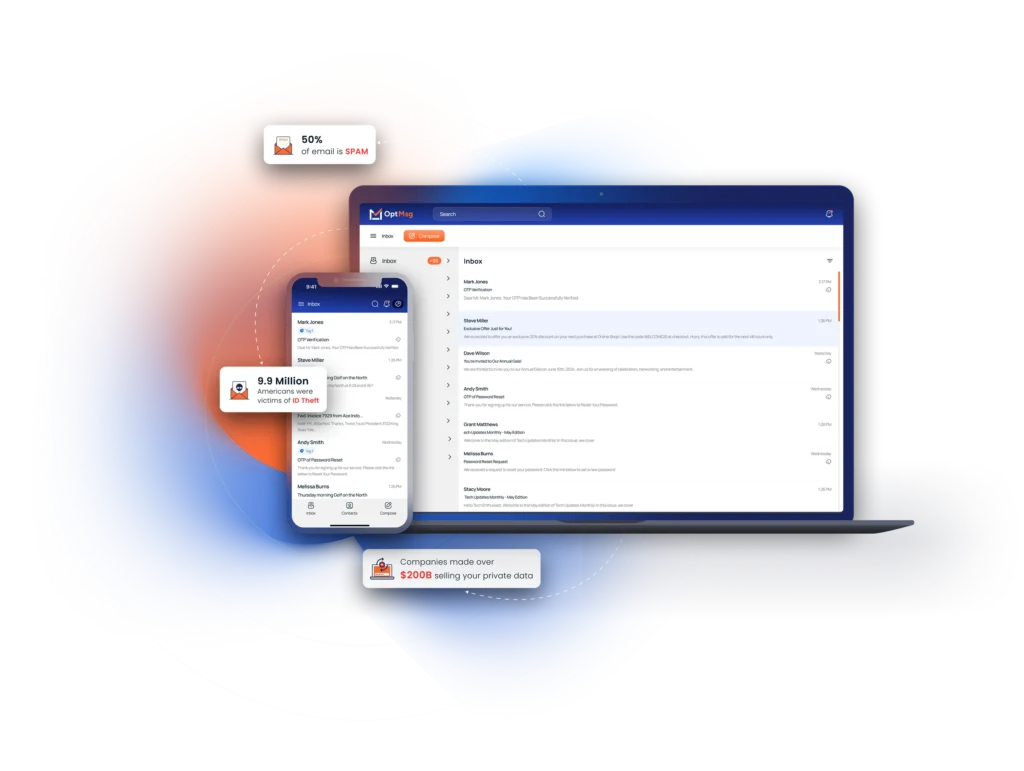
Gmail sign in can feel like a minefield when spam floods your inbox and phishing threats lurk behind every click. If you’ve struggled with Gmail login issues or worry about your personal data slipping through the cracks, you’re not alone. This guide will walk you through safe sign-in tips and quick fixes, then introduce a private alternative that blocks spam and puts you in control of your inbox. For more information on secure login practices, you can check this link.
Safe and Secure Gmail Login

Navigating Gmail’s login can be tricky, but with the right steps, you can protect your account. Start by understanding the basics of securing your account, troubleshooting common issues, and why using two-factor authentication is vital.
Protect Your Google Account
Your Google account holds valuable information. Keeping it safe is crucial. Use a strong password that combines letters, numbers, and symbols. Avoid using the same password across different sites. Regularly update your security settings. Remember, most breaches happen due to weak passwords.
Troubleshooting Login Issues
Can’t access your Gmail? It happens to the best of us. First, check if your internet connection is stable. Next, ensure your browser is up to date. If you’re still having trouble, try clearing your browser’s cache. A quick restart can also solve many issues.
Importance of Two-Factor Authentication
Two-factor authentication adds an extra layer of security. It requires not only a password but also a second form of verification. This could be a text message or an authenticator app. Even if someone gets your password, they can’t access your account without the second factor. It’s like having a second lock on your door.
Common Gmail Login Problems

Problems with Gmail are common, but they don’t have to be permanent. Knowing how to tackle these issues can save you time and stress. Let’s explore some frequent problems and their solutions.
Can’t Log Into Gmail? Quick Fixes
If you’re locked out, don’t panic. Start by double-checking your password. It might seem simple, but typos happen. If that’s not the issue, use Google’s account recovery tool. Follow the steps carefully to regain access. It’s designed to help you recover quickly and safely.
Preventing Phishing and Data Breaches
Phishing scams are everywhere. They trick you into giving away your login details. Always check the sender’s email address. If it looks suspicious, don’t click any links. Use Gmail’s built-in tools to report phishing attempts. Staying vigilant is your best defense.
Maintaining a Secure Inbox
A secure inbox is a happy inbox. Regularly review your account activity for any unauthorized access. Use Gmail’s security check-up tool for peace of mind. Remember, the goal is to keep unwanted eyes away from your personal information.
OptMsg: A Private Email Alternative

Ready to explore a new way to email? OptMsg offers a fresh approach. It’s designed for those who value privacy and control. Let’s see what makes it different from traditional email services.
How OptMsg Blocks Spam
OptMsg uses a unique opt-in system. Mail from senders you haven’t approved goes to Trash, not your Inbox. Only people you approve can reach your inbox. Everyone else goes to Trash. It’s like having a personal gatekeeper for your emails.
Benefits of Opt-In Email Services
Opt-in email services offer numerous benefits. They keep your data safe from prying eyes. You decide who can send you emails. This reduces the risk of scams and phishing. Plus, no more ads or unwanted promotions cluttering your inbox.
Take Back Control of Your Inbox
With OptMsg, your inbox operates on your terms. You’re in charge of who gets to communicate with you. Protect your personal data and decide who reaches your Inbox. Ready to make the switch? Discover more about how you can protect your inbox with OptMsg.
By controlling what enters your inbox, you reclaim your time and peace of mind. No more stress from unwanted emails. It’s time to enjoy a cleaner, safer email experience with OptMsg.


