Phishing emails sneak into inboxes every day, fooling even the smartest users with clever tricks. You might think you can spot them, but scammers keep changing their tactics to slip past your guard. In this guide, you’ll see 12 real phishing email examples and learn the key red flags to watch for so you can stop these scams before they cause damage. Take back control of your inbox with practical tips and a privacy-first email service that blocks strangers by default.
Recognizing Phishing Email Examples
Understanding phishing emails is essential in the digital age. Let’s dive into what makes these scams tick and how you can stay safe.
Common Phishing Red Flags
Phishing emails often look legitimate, but there are warning signs. Spotting these can save you from potential harm.
-
Unfamiliar Senders: Emails from unknown addresses are often phishing attempts. If you don’t recognize the sender, be cautious.
-
Urgency and Threats: Scammers create a sense of urgency to make you act quickly without thinking.
-
Suspicious Links: Hover over links to see where they lead. Phishing emails may disguise harmful links as trustworthy ones.
For more ways to recognize phishing, check out this resource.
How to Spot Phishing Emails
Knowing how to identify phishing emails can protect you from scams. Here’s what to look for:
-
Misspelled Words: Phishing emails often contain typos and grammatical errors. Scammers rely on you overlooking these mistakes.
-
Unusual Requests: Legitimate companies will never ask for sensitive information via email. Be wary of any requests for passwords or personal data.
-
Generic Greetings: Emails that don’t address you personally might be phishing attempts. Companies you trust usually use your name.
Explore more tips in this guide.
Phishing Subject Lines to Watch
Subject lines can be a major giveaway. Here are some to be wary of:
-
“Urgent Action Required”: Creates panic and urgency.
-
“Account Suspended”: Aims to make you react without thinking.
-
“You’ve Won!”: Plays on excitement to get you to click.
By staying alert to these red flags, you’re already a step ahead.
Real-World Phishing Scams
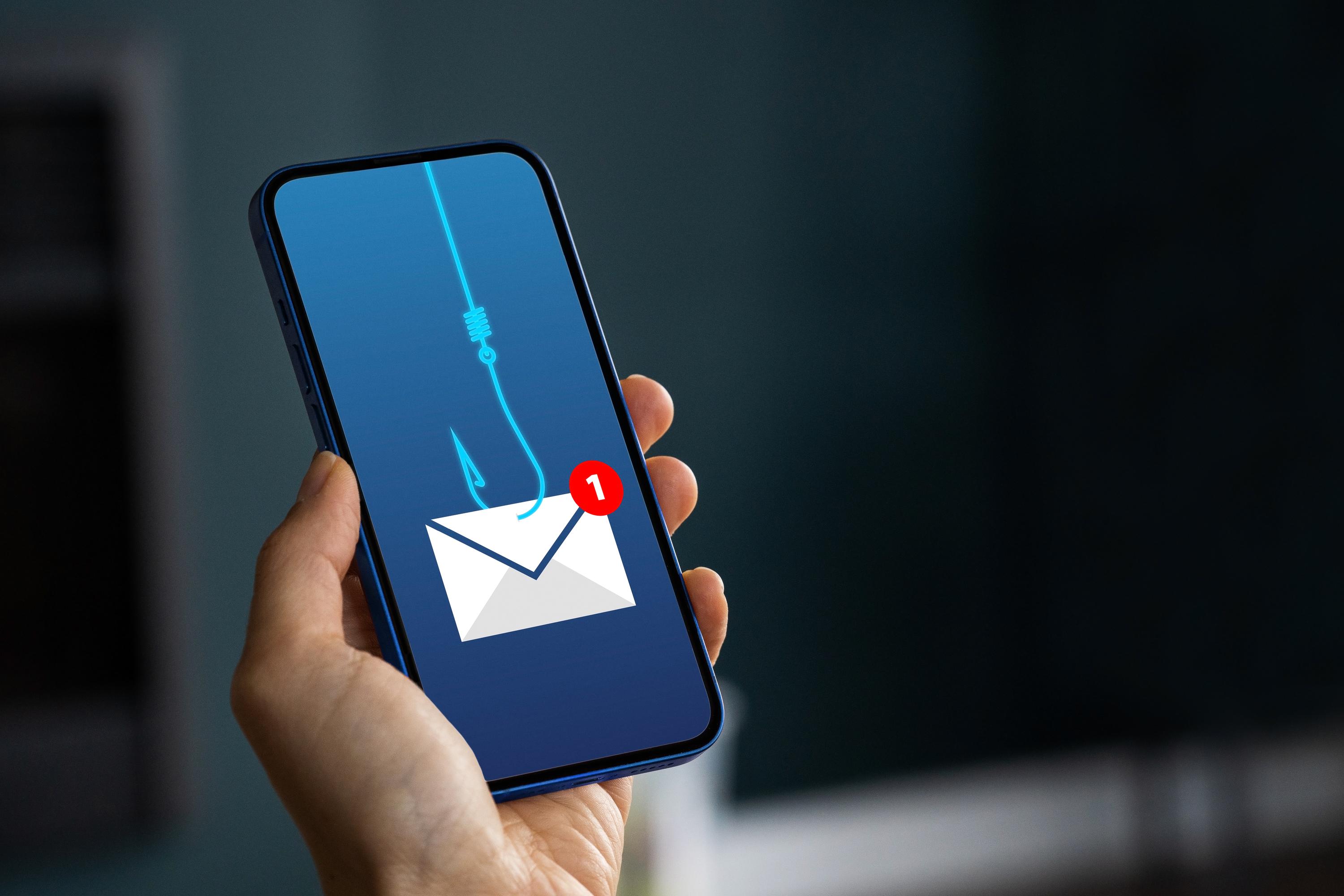
Phishing scams come in many forms. Let’s look at some real examples and learn how to protect yourself.
Fake Invoice and Bank Phishing Emails
These scams often appear as invoices or bank notices. Understanding them is crucial for staying safe.
Scammers send fake invoices to trick you into paying for something you didn’t order. Always verify invoices with the sender directly before making any payments. Bank phishing emails might claim there’s a problem with your account. Contact your bank directly if you’re unsure about an email’s legitimacy.
Learn more about these scams here.
Spear Phishing and Spoofed Email Tactics
Spear phishing is targeted and personalized. Recognizing it can prevent personal data theft.
This tactic uses personal information to appear more convincing. Scammers might pose as a colleague or friend. Always verify through another channel if you’re unsure. Spoofed emails look like they come from a trusted source. Check the sender’s email address carefully for discrepancies.
For additional insights, visit this page.
Package Delivery and Password Reset Scams
These scams exploit common situations. Let’s see how they work and how to avoid them.
Fake package delivery emails trick you into clicking links to resolve a nonexistent issue. Always verify with the delivery company directly. Password reset scams prompt you to click a link to reset your password. Use the official website or app to reset passwords securely.
How OptMsg Offers Email Security
OptMsg provides tools to keep your inbox safe from unwanted emails. Here’s how we help protect you.
Opt-In Email and Spam-Free Inbox
OptMsg’s opt-in system ensures only trusted contacts can reach you.
With our service, you only receive emails from approved senders. This significantly reduces spam and phishing attempts. By controlling who can contact you, your inbox stays organized and secure.
Privacy-First Email and Data Breach Protection
Your privacy is our priority. OptMsg ensures your data remains secure.
We protect your personal information from advertisers and data brokers. Our advanced security features prevent unauthorized access to your data. With OptMsg, you can trust that your emails are private and secure.
Starting with OptMsg’s Reader Plan
Our Reader Plan is the perfect starting point for protecting your inbox.
It’s free and provides basic opt-in message filtering. Although you cannot send emails, this plan is ideal for those seeking privacy-first solutions. Take back control of your inbox with OptMsg.
By understanding phishing scams and utilizing a secure email service like OptMsg, you can protect yourself from potential threats. With these insights, you’re well-equipped to keep your inbox safe and secure.