
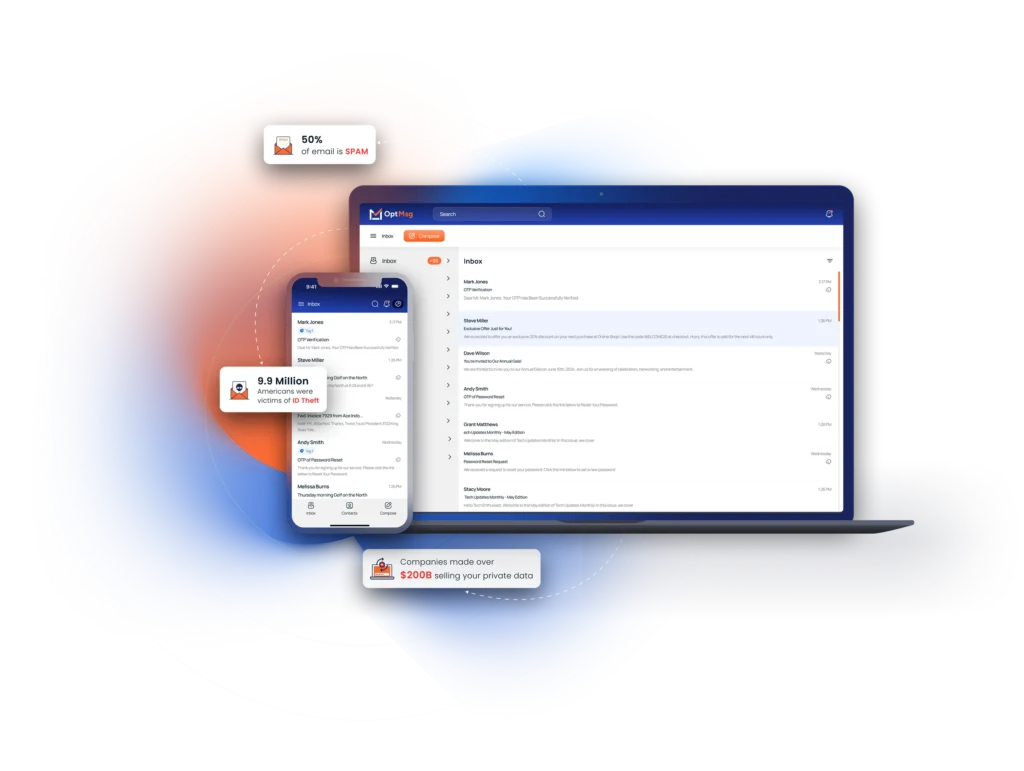
Outlook email login problems aren’t just frustrating—they can put your personal data at risk. Phishing scams and fake Microsoft login pages are more common than you might think, making secure sign-in crucial. This guide breaks down safe ways to login to Outlook, fixes for common issues, and introduces a private alternative that puts you in charge of who reaches your inbox.
To explore more about how you can take charge of your inbox, check out our insights on Private Email Providers: Your Inbox, Your Rules. You can also see how our approach compares to traditional services in our article on Gmail Email vs. OptMsg: Take Back Control of Your Inbox. If you’re interested in secure login practices beyond Outlook, have a look at our Gmail Login: Safe Sign-In Tips, Quick Fixes, and a Private, Spam-Free Alternative.
Safe Outlook Email Login Tips
Navigating email login can be tricky. Let’s ensure your Outlook sign-in stays secure.
Secure Your Outlook Sign-In
Your sign-in process is your first line of defense. Always double-check the URL before entering your credentials. The official Microsoft login page will start with “https://login.live.com”. A secure connection is crucial, so look for the padlock icon in your browser’s address bar. Keep your browser updated to the latest version to protect against vulnerabilities. Using a unique password for your Outlook account adds an extra layer of security. Consider using a passphrase that’s long but easy to remember, like a favorite quote or a series of random words.
Avoid Phishing Outlook Login Page
Phishing scams can mimic real login pages. If you receive an unexpected email asking for login details, proceed with caution. Most legitimate companies will not request passwords via email. Hover over links to check if they direct you to a suspicious site. If in doubt, type the web address directly into your browser. Be extra cautious with emails that contain urgent language, such as “account suspension.” These are often designed to provoke panic and trick you into clicking harmful links.
Implement Outlook Two Factor Authentication
Adding another shield to your security will fortify your account. Two-factor authentication (2FA) requires not just a password but also a second form of verification. You can set this up in your account settings. Choose to receive verification codes via SMS or an authenticator app. This means even if someone gets your password, they won’t access your account without the second factor. This simple step significantly reduces the risk of unauthorized access.
Common Outlook Login Issues

Sometimes, things don’t go as planned. Let’s tackle common issues you might face while logging in to Outlook.
Resolve Outlook Cannot Login
Encountering login errors can be frustrating. If Outlook says it cannot login, start by checking your internet connection. A weak or unstable connection can prevent you from signing in. If the connection is stable, remove any temporary files or cookies that might cause problems. This can be done through your browser settings. If the issue persists, try resetting your browser or attempting to log in from a different browser. Sometimes, simply restarting your device can solve the problem.
How to Reset Outlook Password
Forgot your password? No worries, resetting it is straightforward. Go to the Microsoft password reset page and enter your email address. Microsoft will guide you through the steps to reset your password. Ensure your new password is strong, mixing uppercase, lowercase, numbers, and symbols. A password manager can help maintain strong, unique passwords for each account. If you suspect unauthorized access, change your password immediately.
Fake Microsoft Login Alerts
Fake alerts are common, but you can spot them. Real alerts from Microsoft will have certain characteristics, such as being sent from a Microsoft domain. If an alert looks suspicious, don’t click any links. Instead, visit the official Microsoft site and check your account status there. Report any phishing attempts to Microsoft. Staying informed and vigilant helps you avoid falling prey to these scams.
OptMsg: A Private Alternative

Looking for more control over your inbox? OptMsg offers a unique solution that prioritizes your privacy.
Enjoy a Spam-Free Inbox
Imagine an inbox free from unsolicited emails. With OptMsg, only approved contacts can message you. This keeps spam out and ensures your emails are relevant. You’ll no longer spend time deleting junk, letting you focus on what matters most. Say goodbye to the clutter and hello to a streamlined email experience.
Control Who Can Email You
OptMsg puts you in the driver’s seat. You decide who reaches your inbox. Our opt-in system means no more random emails. Your email experience becomes personal and tailored to your needs. This control not only reduces unwanted emails but also enhances your digital privacy.
Passwordless Email for Privacy
OptMsg introduces a new way to secure your account without passwords. Our system uses secure methods that don’t require you to remember complex passwords. This reduces stress and the risk of forgotten passwords. Enjoy peace of mind knowing your account is protected by cutting-edge technology that prioritizes your privacy.


