
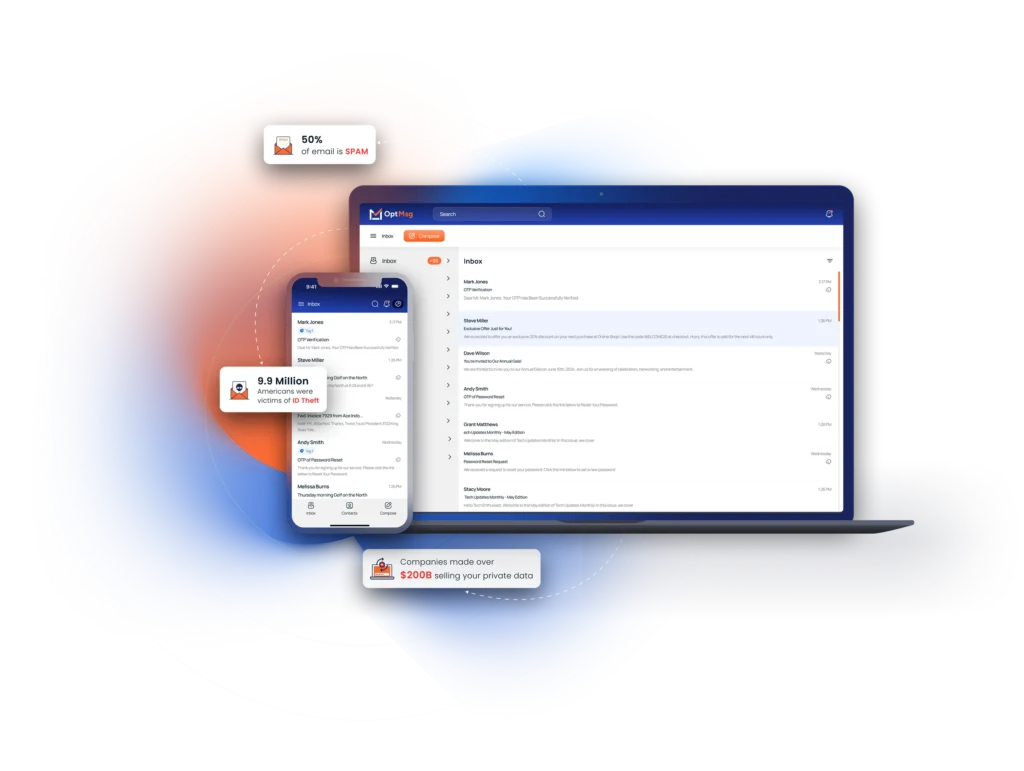
Blocking a single email address in Outlook feels like a quick fix—until the spam keeps coming from new senders. You can add addresses to your blocked senders list or tweak junk mail settings, but spam and phishing attacks have grown smarter than ever. This guide not only shows you how to block senders in Outlook across all your devices but also introduces a safer, privacy-first way to stop unwanted emails for good with OptMsg. Take back control of your inbox today. Learn more about blocking emails in Outlook.
Block Unwanted Emails in Outlook
Getting unwanted emails is frustrating. Blocking can help, but it’s not perfect. Let’s look at how you can block emails in Outlook and explore why it might not be enough.
Step-by-Step Blocking Guide
Blocking emails in Outlook is straightforward and can be done in a few clicks:
Open Outlook: Navigate to your inbox and select the email you want to block.
Right-click the Email: Select “Junk” from the dropdown menu.
Block Sender: Choose “Block Sender” to prevent future messages from that address.
This method adds the sender to your blocked list, stopping emails from them. But, spammers often switch addresses. Learn more with this guide to keep your inbox clean.
Outlook on Mobile Devices
Blocking on mobile is just as easy. Here’s how:
Open the Outlook App: Go to your inbox and pick the unwanted email.
Tap the Three Dots: You’ll find this in the upper right corner.
Mark as Junk: By selecting this, future emails from this sender are filtered out.
Mobile apps have similar features to the desktop version, ensuring you can block emails on the go. Yet, remember that spammers constantly adapt, finding new ways to reach you.
Managing Outlook Junk Mail Settings
Adjusting junk mail settings can enhance your blocking efforts:
Access Settings: Go to “Junk Email” under “Options.”
Filter Levels: Choose a filter level that suits your needs—higher levels catch more spam.
Safe and Blocked Lists: Add trusted contacts to the safe list, and spammers to the blocked list.
These settings give you more control, but they require regular updates to stay effective.
The Limitations of Blocking Emails

Blocking emails seems like a strong defense, but there are downsides. Let’s explore why it alone might not be enough.
Why Blocking Alone Isn’t Enough
Spammers are persistent. They change email addresses and domains frequently, which means blocking isn’t always effective. You might block one sender only to see another emerge. This cycle can turn your inbox into a battlefield.
Most people think blocking solves the problem, but it’s a temporary fix. You need a more robust strategy to truly keep your inbox safe. Consider integrating more comprehensive solutions alongside blocking.
Report Phishing in Outlook
Reporting phishing attempts helps protect you and others:
Select the Phishing Email: Open the email you suspect is phishing.
Report It: Use the “Report Phishing” option in the toolbar.
This action alerts Microsoft, helping improve their filters. It’s a community effort to tackle phishing head-on. Find out more about phishing protection.
Outlook Rules to Block Emails
Rules can automate email management:
Create a New Rule: Go to “Rules” under “Home” and set conditions for incoming emails.
Customize Actions: Choose actions like moving emails to junk or deleting them immediately.
These rules help streamline your inbox management. They’re not foolproof but offer an extra layer of protection.
OptMsg: A Safer Alternative

OptMsg offers a new way to handle emails. It’s about keeping unwanted emails out before they reach you.
How OptMsg Stops Spam for Good
OptMsg uses a unique opt-in system. Only approved senders can reach your inbox. Emails from unknown senders go straight to trash. This approach means no more spam, ever. It’s like having a bouncer for your inbox, ensuring only the right guests come through.
Secure Email for Families
OptMsg isn’t just for individuals. It’s perfect for families, too. Protect your loved ones from scams and phishing. The system keeps everyone’s inbox secure, so you can focus on what matters. It’s a stress-free way to manage family communications.
Protect Personal Data with OptMsg 🌟
Your data is valuable. OptMsg keeps it safe. No ads, no tracking, just privacy. With OptMsg, you decide who can send you emails. It’s your inbox, your rules. Feel confident knowing your personal data stays private.
OptMsg offers a refreshing approach to email. It combines ease of use with powerful protection, making it an ideal choice for anyone tired of spam. Ready to take control? Discover how OptMsg can transform your email experience today. Explore secure email options.


