Dan found out from the news, not from the company. A workwear brand he’d ordered two jackets from had suffered a breach. Somewhere in a criminal marketplace there was now a row with his email address and the password he’d used at checkout. His first thought was the honest one: which other accounts use that password? A password breach, what to do about it, and where to start: that is the question this guide answers.
His second thought should have been about his inbox — because that’s where the row gets spent.
Why the inbox is the real target
The email-and-password pair leaked from a shop can’t do much at the shop. What attackers actually do with it is credential stuffing: trying the same pair against higher-value doors. The highest-value door most people own is their email account. Your inbox is the reset-and-recovery route into nearly everything else. Banking, storage and socials all send their “reset your password” links there. So open the inbox, and the rest opens behind it.
None of this requires an attacker to care about Dan specifically. Credential stuffing is automated and indiscriminate. Operators try leaked pairs in bulk against popular login pages, and they only need a small fraction of people to have reused a password for the run to pay. Being uninteresting is not a defense; being in the leaked file is enough.
This is why password breach advice starts with “change your email password.” It’s good advice. But it’s also an admission. As long as your email account has a password, every site you ever registered at with that address is a place your email credential can leak from in spirit — because people reuse, and stuffing is cheap.
The version of this story with a different ending
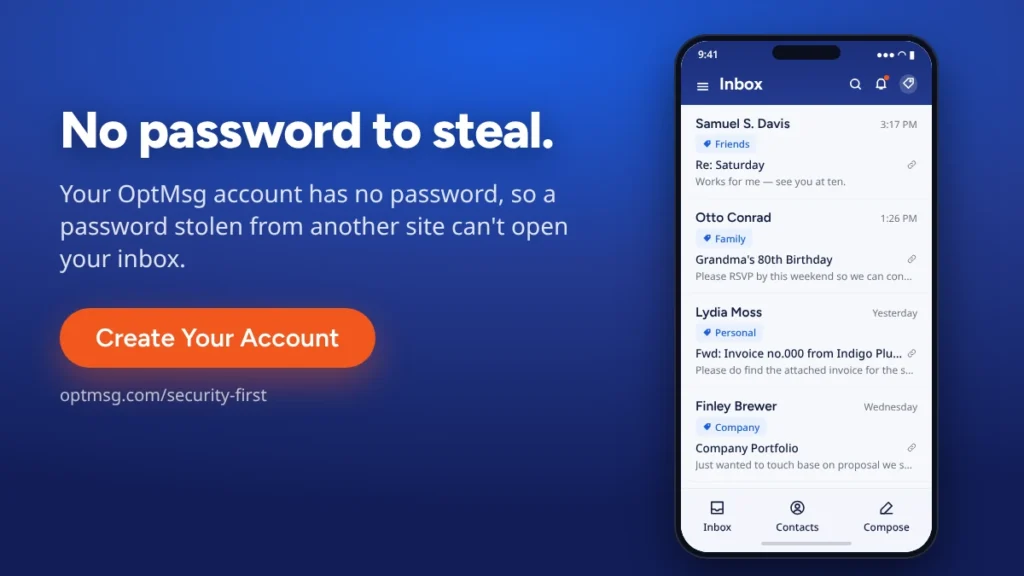
Here is the structural difference, stated at its real size. Your OptMsg account has no password, so a password stolen from another site can’t open your inbox. Not a strong password, not a well-managed one — none. Passkeys are how you sign in. Credential stuffing needs a password to try. Your OptMsg account doesn’t have one. When another company gets breached, the login they leak isn’t the login to your inbox.
Here’s the design point underneath, because it’s easy to miss. Most email services authenticate with a password. Even ones that offer passkeys generally offer passkeys and a password — so a password still exists on the account. And as long as a password exists for an email account, every site its owner signs up to with that address and a password carries a piece of the risk. If that site suffers a breach, attackers can try the leaked pair against the email account itself. Then, from the inbox, they can try everything the inbox can reset. A password that doesn’t exist can’t leak, and nobody can reuse or stuff it. That’s not a claim about anyone else’s security being poor; it’s a claim about the design of the account.
And because the inbox is the master key, that one absent credential protects more than the inbox. A reset link an attacker can’t reach is a reset an attacker can’t run. No password to steal.
What this does not cover, said plainly: it’s a claim about stolen passwords being useless against your inbox, not the absence of every risk. It doesn’t cover a compromised device, a live sign-in page a stranger puts in front of you, or someone holding your unlocked phone. The argument is strong enough at its actual size.
The other half: what a breach mails you afterward
The weeks after a disclosure are phishing season. Fake “security alert” emails arrive dressed as the breached brand, because attackers know you’re primed to click. This is where OptMsg’s patent-pending opt-in technology does quiet work: mail from a sender you haven’t approved goes to Trash, not your Inbox, and auto-deletes after 30 days. So a fake breach notice from a sender you never opted in to doesn’t get to sit at the top of your morning wearing a red banner. (And if a genuinely trusted sender lands in Trash, Community Recommendations can flag it — other users’ opt-ins, not a filter’s guess.)
About this specific breach: the widely-reported figure was roughly double the verified one. The verified count was 12,933,413 addresses against ~24.9M reported, because about half the circulating corpus was synthetic benchmark data. The details are in our Carhartt Breach Breakdown. And to be clear about scope: nothing about OptMsg would have prevented that company’s breach. What changes is the blast radius on your side of it.
Password breach: what to do this week
If a breach notice names you, assume attackers are already trying the leaked password elsewhere. Retire it everywhere it lives; a password manager makes that a one-evening job instead of a guessing game. Turn on the strongest sign-in each important account offers. Then watch your inbox skeptically for a month. The follow-up phish tends to arrive dressed as the breached brand, or as your bank “confirming unusual activity,” and it counts on the urgency the real notice created. Slow is safe. A genuine security email survives you taking ten minutes to type the company’s address yourself instead of clicking the link.
In short, a password breach and what to do about it comes down to two things: retire the password, and stop your inbox from being the next door it opens.
And if you’re tired of your inbox being the thing every breach eventually points at — see how Security First works, then Create Your Account.
Your Inbox. Your Rules.
Sources
- Verified count vs reported figure, timing, The Register coverage:
OptMsg_Weekly_Brief_2026-08-31.md(Brief 4, Lane 2) and the live Breakdown — no breach fact asserted beyond them. - Passwordless phrasings:
brand-rules.md§ The passwordless claim — three approved phrasings used verbatim; passkey fact founder-verified 2026-08-16/25; SMS OTP fallback deliberately not foregrounded per the emphasis rule (and not denied). - Trash + 30 days: founder ruling 2026-08-14. Community Recommendations: founder-verified 2026-08-15.
Next in Privacy Guides: The First Email You Read Tomorrow Was Chosen By Someone. Why Isn’t It You?