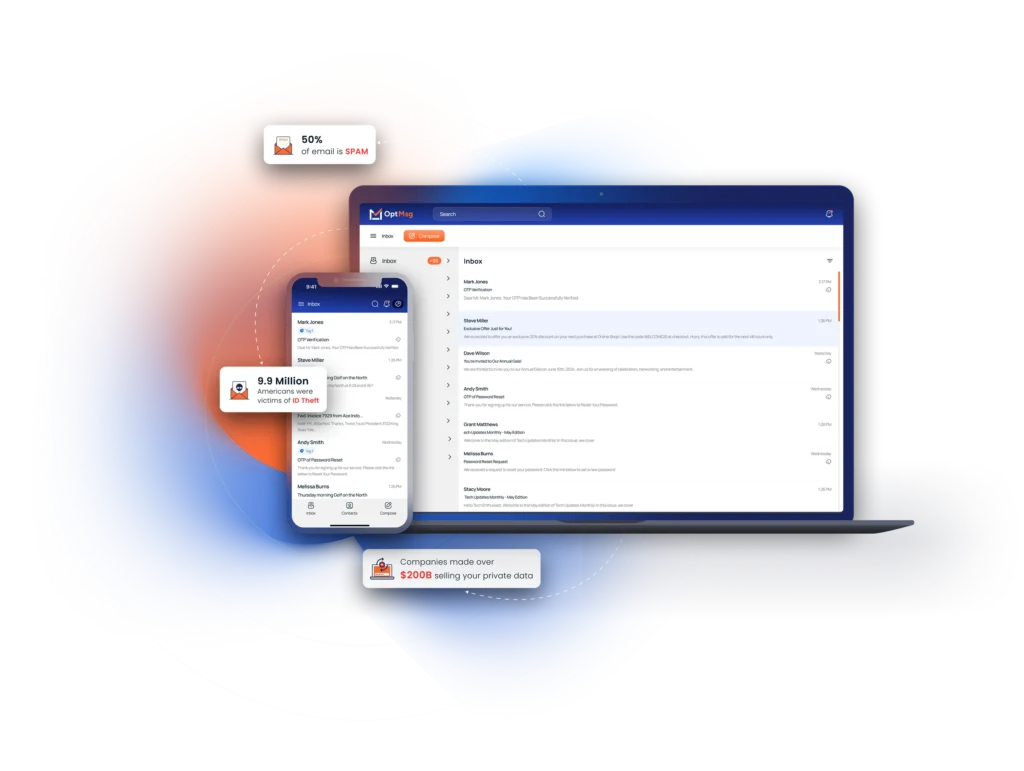
The OptMsg v1.0.2 release notes below list what changed in the OptMsg app on May 22, 2025. Each OptMsg release ships to the iOS and Android apps and to the web app at the same time, so the notes apply to every platform unless a section says otherwise. If you are new to OptMsg, the short version is: your inbox only shows mail from senders you opted in, and each release makes that easier to manage.
Version: 1.0.2
Release Date: May 22, 2025
All Platforms
– Images not loading when reading some emails
– Fixed false alerts that the app was not connected to the Internet
– Performance improvement loading lists, messages, contacts and changing screens
– Resolved CC and BCC formatting issues
– Community Recommendation Notification takes user to message in Trash
– Added Filters to Archive
– Fixed scrolling issues on reading message
– Minor bug fixes
Web App
– Updates to Subscription page
– Fixed QR codes to open App Store Pages
How to get the OptMsg v1.0.2 release
On iOS and Android, open the App Store or Google Play and update OptMsg; automatic updates install it for you within a day or two. On the web, reload the app once and you are on the new version. So there is nothing to configure: the OptMsg v1.0.2 release applies as soon as the update is installed.
About OptMsg release notes
We publish release notes for every version, because you should know what changed in the app that holds your mail. Earlier and later notes are in the OptMsg News category, and the support center explains each feature in more depth. If something in the OptMsg v1.0.2 release does not work the way these notes describe, tell us through the support page and we will look at it.
